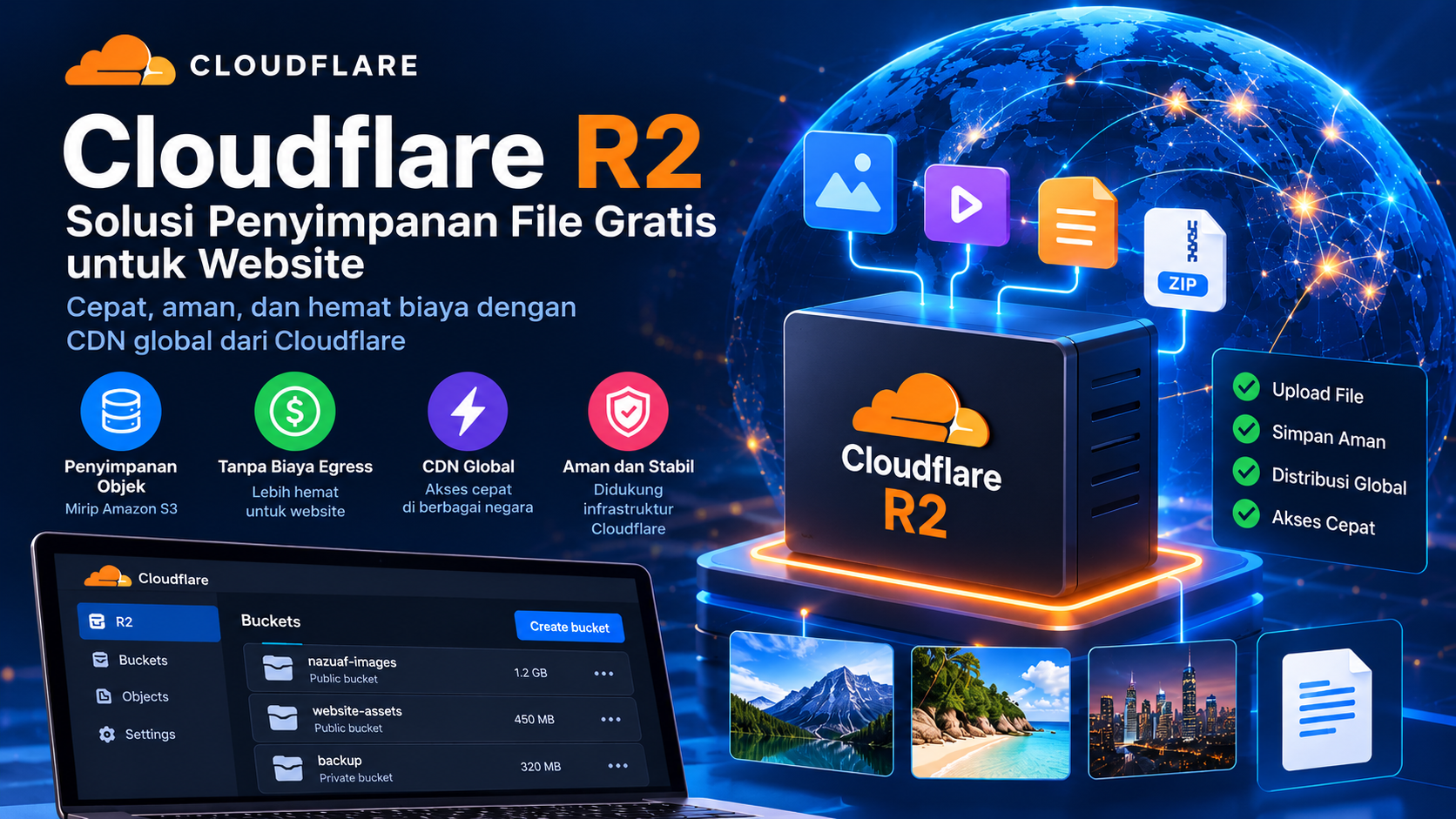
As a website grows, the need to store images, documents, and other files also increases. Storing everything on the primary hosting can consume limited disk space. One alternative is Cloudflare R2, an object storage service that can be used to store files and serve them to website visitors.
What Is Cloudflare R2?
Cloudflare R2 is an object storage service compatible with the S3 API. This means files such as images, videos, archives, and documents can be stored in buckets and accessed via applications or services that support that API.
R2 is suitable for needs such as website media storage, downloadable files, application assets, or user‑uploaded files. The service is separate from the regular web hosting disk space, helping reduce the usage of primary hosting capacity.
Why Is R2 Attractive for Websites?
1. Separate files from the primary hosting
Large images and files can be stored in R2 buckets while the hosting continues to run WordPress or the main application. This separation aids media management as the file collection grows.
2. Can be combined with a custom domain
With proper configuration, files can be served using a custom domain, such as a media subdomain for the website. A custom domain simplifies link management and makes file URLs more consistent. Public access settings must be handled carefully so that only files intended for sharing are accessible.
3. Integration with the Cloudflare ecosystem
R2 can be used alongside other Cloudflare services. However, storage and delivery of files still need to be configured correctly. Enabling R2 alone does not automatically make all website files faster; performance depends on how files are served, caching, asset sizes, and visitor locations.
Is Cloudflare R2 Free?
Cloudflare offers a free quota for R2 usage that meets the plan’s conditions, including certain storage limits and operations. Quotas and pricing can change, so check the official pricing page before relying on the service for production needs. Usage beyond the free quota may incur charges.
It’s important to distinguish between storage capacity and the amount of data transferred. The storage limit indicates how much data is stored, while operations such as reading, writing, or listing objects have separate counts. Plan your needs based on file sizes, request volume, and access patterns.
Things to Keep in Mind
- Set bucket access: don’t make all files public if there are private or sensitive documents.
- Store credentials securely: don’t place access keys or secret keys in frontend code that visitors can see.
- Mind backups: object storage is not a replacement for a solid backup and recovery strategy.
- Monitor usage: review capacity, operations, and costs regularly.
- Optimize images: compress images and use appropriate sizes to keep pages lightweight.
Planning a Bucket Structure Before You Upload
It is tempting to create one bucket and put everything in it, but a little planning pays off as the file collection grows. Separate buckets, or clearly named folders inside a bucket, for images, downloads, backups, and user uploads make permissions easier to manage and accidents less likely. When public assets and private files share a bucket, a single configuration mistake can expose files that were never meant to be public.
Object naming matters too. Short, descriptive names with a consistent pattern, such as a folder per year or per content type, make files easier to find and to clean up later. Avoid letting file names come directly from user input without normalisation, since unusual characters and long names can cause problems in URLs and in tools that list objects. A naming convention agreed at the start is much cheaper than renaming thousands of objects later.
Serving Files Through a Custom Domain and Caching
Files stored in R2 are usually served through a custom domain so that URLs stay consistent and recognisable. This setup needs care: the domain, the bucket, and the access rules must agree, or visitors may see errors even though the files exist. Test the full path from a fresh browser session, including images embedded in pages, before announcing that the migration is complete.
Caching deserves the same attention. A CDN in front of the bucket can reduce repeated requests to storage and improve loading times for visitors far from the origin, but cached copies can also keep serving an old version after a file is replaced. Use distinct file names for new versions of important assets, or set cache rules that match how often each type of file changes. When a file is removed or made private, check whether cached copies are still reachable, because the storage setting alone does not clear them.
Upload Workflows: Manual, Plugin, and Direct Upload
Small sites often start with manual uploads through a dashboard or a plugin, which is fine while the volume is low. As the number of files grows, an automated workflow becomes more attractive: a WordPress plugin or a small script can send media to R2 as part of publishing, so authors do not have to remember a separate step. The key is to choose one path and keep it consistent, because files uploaded through different routes often end up with different naming, permissions, or metadata.
Direct uploads from a browser or an application are another option, usually with short-lived credentials issued by the server. This avoids routing large files through the web server, but it requires validation on the server side: file size, file type, and ownership should all be checked before the upload is accepted. Whatever the workflow, keep a record of where each file lives, so that a broken image can be traced back to its source instead of guessed at.
Understanding the Costs Beyond Storage
Storage capacity is only one part of the bill. Operations such as listing, reading, and writing objects are counted separately, and a chatty application that lists a bucket on every page load can generate far more operations than expected. Monitoring usage regularly, especially after a new feature launches, catches this kind of surprise early.
Data transfer is the other factor to watch. Even when egress from storage itself carries no charge under a given plan, delivery through a CDN or to visitors still consumes bandwidth somewhere in the chain. Large video files, uncompressed images, and downloadable archives deserve a second look: compressing them, offering a smaller variant, or limiting hotlinking can reduce transfer without hurting the visitor experience. A monthly review of storage size, operation counts, and transfer volume is a small habit that prevents most billing surprises.
Backups and Recovery for Object Storage
Object storage is durable, but durability is not the same as a backup strategy. Accidental deletion, a misconfigured lifecycle rule, or a compromised credential can still remove files. Keep a separate copy of anything that would be hard to recreate, such as original photos or user uploads, in a different location or under different credentials from the main bucket.
Test recovery, not just backup. Restoring a handful of files to a test folder confirms that the backup is readable, complete, and in the expected format. Also decide in advance how long deleted files should be recoverable: versioning or a short retention window can turn an accidental deletion into a minor inconvenience instead of a permanent loss. Document the recovery steps, because the person restoring files during an incident may not be the person who set the system up.
Conclusion
Cloudflare R2 can be a practical choice for separating media from the primary hosting, especially for websites with many images or downloadable files. Before using it, understand quota limits, access settings, and backup needs. With proper configuration, R2 can become a useful part of a website’s infrastructure without having to move the entire application from the existing hosting.
The latest package and pricing information is available in the official Cloudflare R2 documentation.
Komentar (0)
Belum ada komentar. Jadilah yang pertama berkomentar.