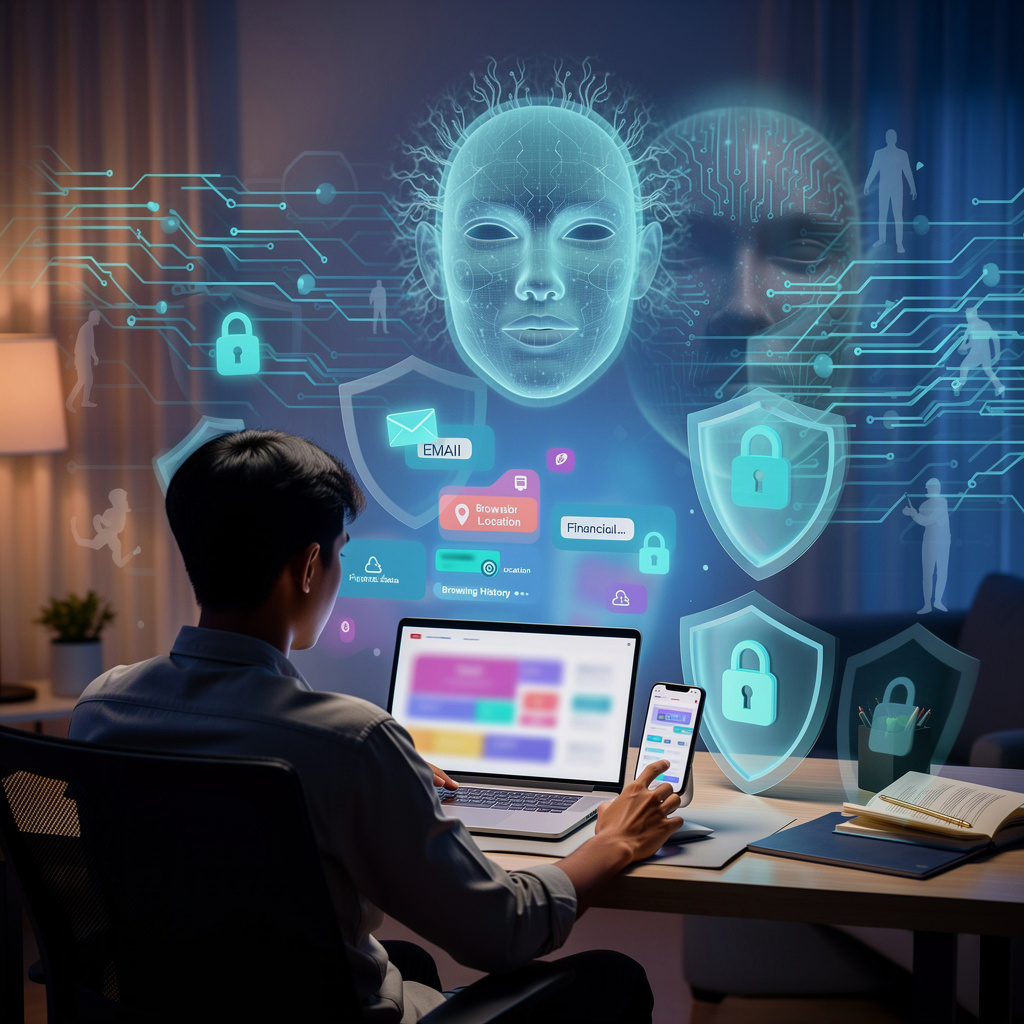
Cybersecurity and digital privacy have become everyday concerns as more personal and professional activities move online. Email addresses, browsing histories, location data, and financial details can all become valuable targets when accounts or services are poorly protected. Protecting these assets is no longer only an IT department responsibility; it is a basic digital habit for every internet user.
Today’s threats also evolve with technology. Criminals can use artificial intelligence to produce convincing phishing messages, imitate familiar voices, and tailor scams to individual targets. A practical security routine therefore needs to combine strong account protection with careful decisions about the information and permissions we share.
Build a Strong Password Foundation
A password is often the first barrier protecting an online account. Reusing the same password across several services creates a chain reaction: if one service suffers a data breach, attackers may try the exposed credentials elsewhere. Use a unique password for every important account, preferably generated and stored by a reputable password manager.
- Prefer long, unique passwords. Length and uniqueness matter more than relying on predictable substitutions such as replacing a letter with a number.
- Use a password manager. It can generate strong credentials and store them securely, so you do not need to memorise every password.
- Protect the master password. Make it long, unique, and difficult to guess. Enable additional account recovery protections where available.
- Avoid unencrypted notes. Plain-text files, screenshots, or notes apps without suitable protection can expose credentials if a device is lost or compromised.
Enable Multi-Factor Authentication
Even a strong password can be exposed through phishing, malware, or a service-side breach. Multi-factor authentication (MFA) adds another verification step, making a stolen password less useful to an attacker. When possible, choose a passkey or a hardware security key. An authenticator app is also a strong option for services that do not support passkeys.
SMS codes are generally better than having no second factor, but they can be vulnerable to SIM-swapping and phone-number takeover. Save recovery codes in a secure location and review the account’s recovery methods so that an attacker cannot easily replace your trusted devices.
Recognise AI-Assisted Social Engineering
Generative AI can help scammers write fluent, personalised phishing messages at scale. Voice-cloning and deepfake tools can also imitate someone a victim knows, making urgent requests for money or confidential information appear more believable. Spelling mistakes are no longer a reliable way to identify a fraudulent message.
Pause when a message asks you to transfer money, reveal a one-time code, reset an account, or share sensitive files. Verify the request through a separate, trusted channel—such as calling a known phone number rather than replying to the message. Do not use contact details supplied in the suspicious request itself.
Trust the request only after you have verified it through a separate channel. A familiar voice, profile picture, or writing style is not proof of identity.
Review App Permissions and Your Digital Footprint
Privacy also depends on how much information you share with apps and online platforms. Review permissions when installing an app and periodically revisit them later. A simple utility should not need access to contacts, precise location, or a microphone unless those permissions are genuinely required for its main function.
Remove access that is no longer necessary, revoke connected third-party applications you no longer use, and close abandoned accounts when practical. Deleting an app from a phone does not necessarily delete the account or the data stored by its provider. Check the service’s account-deletion and data-retention options.
Make Security a Routine
Effective cybersecurity is an ongoing process rather than a one-time setup. Keep operating systems and applications updated, enable security alerts for important accounts, back up essential files, and review account activity for unfamiliar sign-ins. Prioritise your primary email account because it is often used to reset access to many other services.
Conclusion
Protecting digital privacy starts with a few consistent habits: use unique passwords, enable strong multi-factor authentication, verify unusual requests, limit unnecessary app permissions, and keep devices updated. These measures cannot eliminate every risk, but they reduce the likelihood and impact of common attacks. For a broader risk-management framework, see the NIST Cybersecurity Framework. You can also read our related guide to securing QR-code authentication and avoiding quishing.
Komentar (0)
Belum ada komentar. Jadilah yang pertama berkomentar.