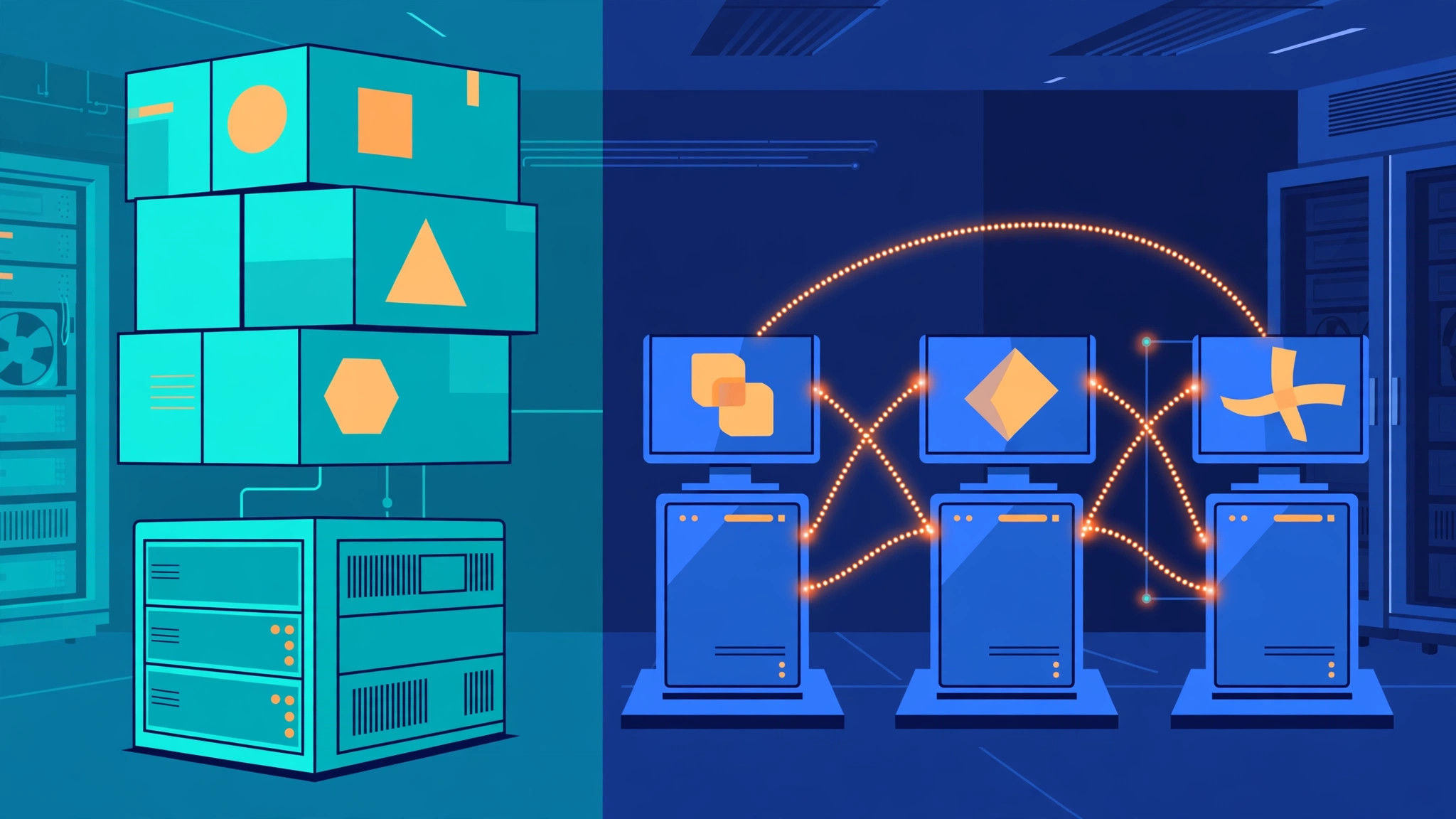
When running applications on servers, developers often face two choices: using containers like Docker or running applications on virtual machines (VMs). Both help isolate application environments from other systems, but they work differently and have different resource requirements. Understanding these differences leads to better infrastructure decisions, whether for local development, testing, or production services.
What Is a Virtual Machine?
A virtual machine is a virtual computer that runs on physical hardware through software called a hypervisor. A VM has its own operating system, including the kernel, system libraries, and applications. For example, a single physical server can run multiple VMs: one using Linux for web applications, while another VM runs Windows for specific software.
Because each VM carries its own guest operating system, this environment can provide strong separation boundaries and allows different operating systems to run side by side. However, each operating system requires storage space, memory, and time to boot. This overhead can become significant as the number of VMs increases.
What Are Containers and Docker?
Containers package applications together with their dependencies into an isolated environment. Containers typically share the host operating system kernel but have separate process spaces, networking, and file systems through operating system features. Docker provides tools for building images, running containers, managing networks, and storing application configurations.
Because containers do not need to run a full guest operating system for each application, they are usually lighter and can start faster than VMs. A Linux host, for example, can run containers for API applications, background workers, and databases, as long as the requirements and configurations for each service are met.
Key Differences Between Containers and VMs
| Aspect | Container | Virtual machine |
|---|---|---|
| System layer | Shares host kernel | Runs guest operating system |
| Startup time | Usually fast | Usually longer due to OS boot |
| Resource usage | Tends to be lighter | Requires resources for each guest OS |
| Portability | Images can be moved to compatible hosts | VMs can be moved, but image sizes are usually larger |
| Isolation | Relies on kernel features and runtime configuration | Has hardware-level virtualization boundaries through hypervisor |
| Operating system | Must be compatible with host kernel | Can run different guest OS supported by hypervisor |
These comparisons are general. Actual performance depends on workload, configuration, storage, networking, and platform implementation. Containers do not automatically mean faster performance for every task, and VMs do not automatically mean wasteful resource usage.
When Should You Choose Containers?
Containers are suitable when applications need to be packaged consistently from a developer’s laptop to a server, when many small services need to be managed, or when build and deployment processes need to be repeated the same way. For example, a team can build a web application image once, test it in a staging environment, then run the same image in production.
Containers are also useful for microservices architectures, automated jobs, and temporary testing environments. However, containers still require configuration management, persistent storage, image updates, and monitoring. Important data should not be stored only in the container layer, which can be replaced when applications are updated.
When Are Virtual Machines More Appropriate?
VMs are worth choosing when a guest operating system different from the host is required, when legacy applications depend on specific system configurations, or when teams need machine-level virtualization boundaries. VMs are also useful for testing labs, running software that requires broader OS control, and separating workloads with different administrative requirements.
In many environments, both are actually used together. A physical server runs a hypervisor, a VM provides a Linux environment, and then Docker runs several application containers inside that VM. This approach combines VM infrastructure management with the ease of application distribution using containers.
Security Considerations You Should Not Ignore
Containers are not automatically perfect security boundaries. Because they share the host kernel, kernel vulnerabilities or overly permissive configurations can affect isolation. Avoid running containers as root when unnecessary, limit Linux capabilities, do not mount the Docker socket into containers without strong reasons, and use trusted images that are regularly updated.
For both containers and VMs, store secrets such as API tokens in secret managers or appropriate mechanisms, not directly in images or code repositories. Apply the principle of least privilege, monitor logs, back up data, and test recovery procedures. VMs also need security patches, firewalls, and administrative access restrictions; the presence of a hypervisor does not eliminate all risks.
Before production, determine requirements for CPU, memory, storage, networking, compliance, and recovery procedures. Test real workloads and review configurations regularly rather than choosing technology simply because it is popular.
Conclusion
Docker containers and virtual machines solve related but not identical problems. Containers excel at lightweight application packaging and distribution, while VMs provide virtual machines with their own guest operating systems. Choose based on compatibility, isolation, resource, and operational requirements. For many modern projects, a combination of VMs and containers can be a practical choice as long as both are properly configured, updated, and monitored.
Komentar (0)
Belum ada komentar. Jadilah yang pertama berkomentar.