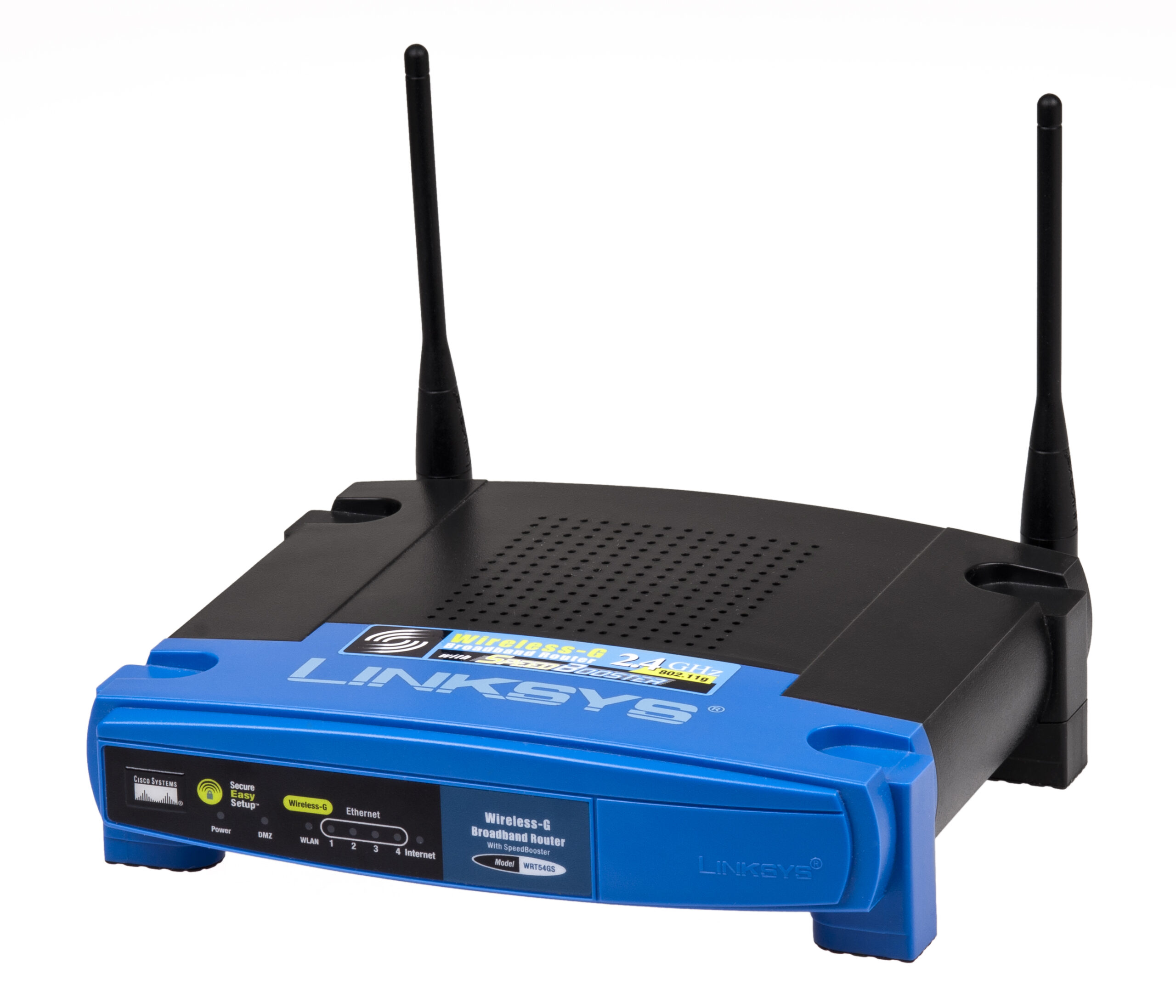
Wi-Fi 7, formally associated with IEEE 802.11be, is designed to improve wireless throughput, latency, and efficiency in busy environments. For homes and small offices, a Wi-Fi 7 router may provide a useful upgrade—but only when the internet connection, client devices, and room layout can take advantage of its features. Understanding the technology helps separate practical benefits from headline speeds printed on a product box.
Key Wi-Fi 7 Features
Wider 320 MHz Channels
Wi-Fi 7 can use channels up to 320 MHz wide in the 6 GHz band where that band and channel width are permitted. Wider channels can carry more data, but availability depends on local regulations, router configuration, and client support. A wider channel is not automatically better if the radio environment is congested or the connected device cannot use it.
Multi-Link Operation
Multi-Link Operation (MLO) allows compatible devices to use multiple links across supported bands. Depending on the implementation, this can improve throughput, reliability, or latency by using more than one radio link. Both the router and client device need compatible MLO support to benefit.
4K-QAM
Wi-Fi 7 introduces 4096-QAM, often called 4K-QAM. It can encode more bits per symbol than the 1024-QAM used by Wi-Fi 6, improving peak data rates under favourable signal conditions. Higher-order modulation requires a strong, clean connection, so the theoretical gain may shrink at longer distances or in noisy environments.
What to Check Before Buying
- Client compatibility: Older Wi-Fi 5 and Wi-Fi 6 devices can usually connect through backward compatibility, but they will not gain every Wi-Fi 7 feature.
- Coverage: Antenna design, placement, walls, and floor layout often matter more than the maximum advertised speed. Consider a mesh system for multi-storey buildings.
- Wired ports: If your broadband plan exceeds 1 Gbps, check for a 2.5 GbE or 10 GbE WAN port and suitable LAN ports.
- Processing capability: Router CPU, memory, firmware quality, and update support affect how well it handles many clients and security features.
- Regional support: Confirm that 6 GHz operation and the advertised channel widths are permitted in your country.
Prepare for the Upgrade
Before replacing an existing router, record important settings such as the network name, password, port-forwarding rules, and static IP reservations. Update the new router’s firmware before connecting all devices. After installation, test speed and coverage in several rooms rather than relying on a single test beside the router.
Placement still matters. Keep the router away from large metal objects and avoid hiding it inside cabinets. If you use a mesh system, choose backhaul links and node locations that provide reliable coverage without creating unnecessary interference.
Security and Maintenance
A fast router still needs good security. Change default administrator credentials, use modern Wi-Fi security settings supported by your devices, disable features you do not need, and install firmware updates. Review connected devices periodically and use a separate guest network for visitors and untrusted smart-home equipment when appropriate.
Mesh vs a Single Router for Wi-Fi 7
A single powerful router can cover a small flat or a compact house, but walls, floors, and distance reduce signal strength quickly. In a multi-storey home or a long layout, one router often leaves far rooms with a weak connection no matter how new the standard is. A mesh system places additional nodes around the home so devices connect to the nearest node instead of struggling to reach a distant router.
Mesh is not automatically better. Each additional node adds cost and complexity, and a node that connects wirelessly to the main router still shares the same radio capacity. If the nodes are placed too far apart, the link between them becomes the bottleneck. Before buying a mesh system, test whether a single well-placed router covers the rooms that matter. If only one or two rooms are weak, a single extra node may be enough, and it is cheaper than a full mesh kit.
When choosing between systems, check whether the nodes support the same Wi-Fi 7 features as the main unit. Some kits mix a capable main router with simpler satellite nodes, which limits the benefit in the rooms served by those satellites. Also check whether the system allows a wired connection between nodes, because a wired backhaul keeps the wireless radios free for devices and usually gives the most stable result.
Backhaul Choices: Wired, Wireless, and What to Avoid
Backhaul is the link between the main router and its satellite nodes, and it often matters more than the headline speed of the router itself. A wired Ethernet backhaul is the most reliable option: it does not compete with device traffic and it is unaffected by walls. If the home already has Ethernet cabling in the walls, use it. If not, running a single cable to a far room can be a better investment than buying a more expensive mesh kit.
Wireless backhaul is convenient because it needs no cabling, and Wi-Fi 7 improves it with wider channels and multi-link operation. Even so, a wireless link between nodes shares spectrum with the devices those nodes serve. Place nodes where they still receive a strong signal from the main router; a node installed in a dead zone cannot fix the dead zone, because its own connection to the main router is already weak.
Powerline adapters, which carry network traffic over electrical wiring, are a third option, but their performance varies greatly with the age and layout of the wiring. They can work as a stopgap in a room where neither Ethernet nor a good wireless link is available, but they are rarely the best choice for a new Wi-Fi 7 setup. Test any backhaul option with real usage, such as a video call from the far room, rather than trusting a signal indicator alone.
Managing a Wi-Fi 7 Network After Setup
Installation is only the beginning. Keep the router firmware updated, because updates often fix security issues and improve stability with new client devices. Enable automatic updates if the option exists and you trust the vendor’s track record; otherwise check for updates on a regular schedule. After a firmware update, test the rooms you use most, since an update can occasionally change radio behaviour.
Use separate network names or a guest network for visitors and smart-home devices. A guest network keeps visitors away from shared folders, printers, and storage on the main network. Smart-home devices that rarely need updates can live on their own network segment too, which limits what an attacker can reach if one device is compromised. Keep the administrative password of the router itself strong and different from the Wi-Fi password.
When to Wait Instead of Upgrading Now
Wi-Fi 7 is a genuine improvement, but it is not urgent for everyone. If the current router already covers the home, the broadband plan is well below gigabit speeds, and no device in the house supports Wi-Fi 7 yet, the practical gain from upgrading now is small. A new router cannot make an internet connection faster than the plan allows, and older devices will not use the new features.
Waiting also has practical benefits. Early models of a new standard tend to cost more, and firmware matures over time as vendors fix issues found by early users. Prices usually fall as more models reach the market. A sensible time to upgrade is when the old router fails, when the household adds devices that support the new standard, or when a move to a larger home exposes coverage problems the old router cannot solve. Until then, improving placement and updating the firmware of the existing router often delivers more value for no cost.
Conclusion
Wi-Fi 7 can deliver meaningful improvements for compatible devices and demanding networks, especially where MLO and wider channels are supported. The best purchase is not necessarily the router with the largest theoretical speed number. Match its features to your clients, broadband plan, coverage needs, and local radio regulations. For related guidance, see our article on choosing a router for a smart home.
Komentar (0)
Belum ada komentar. Jadilah yang pertama berkomentar.