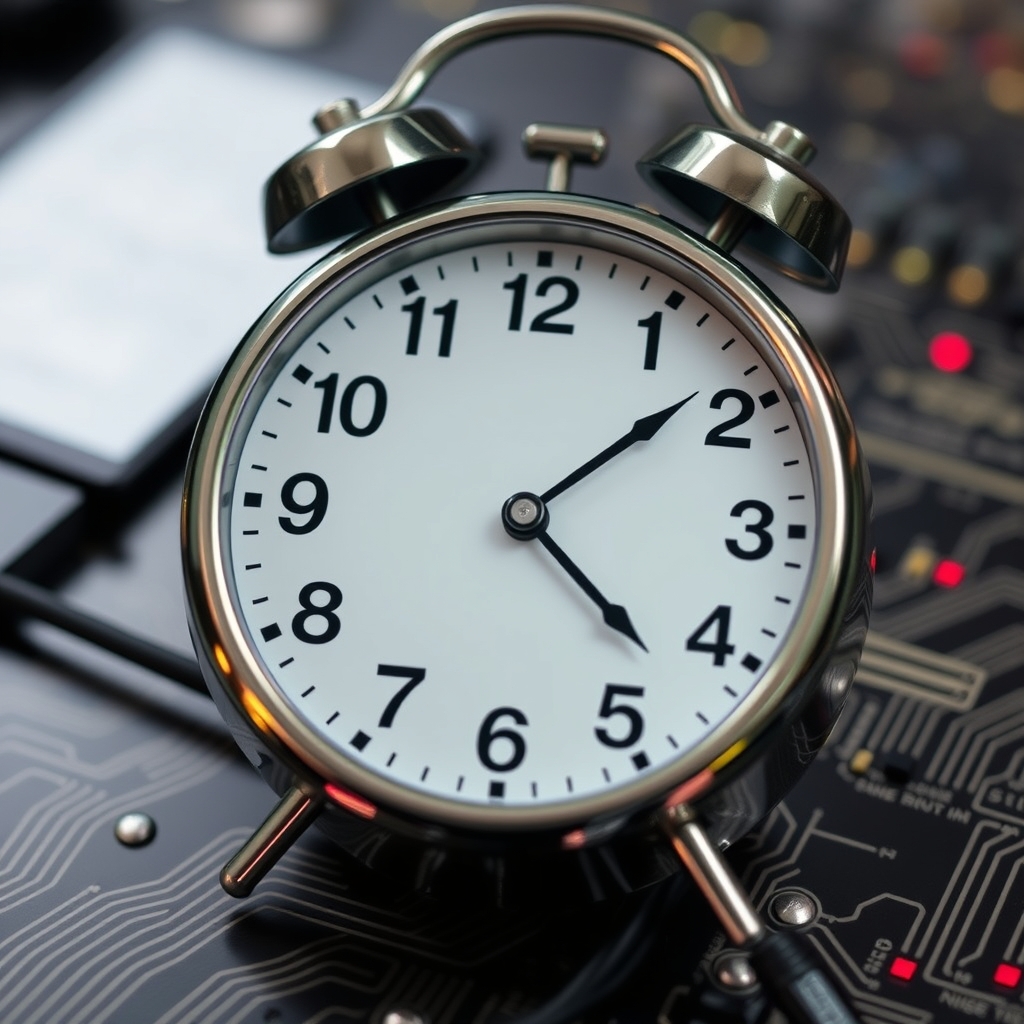
An incorrect device clock can cause problems that seem unrelated: logs appearing out of order, authentication sessions failing, or browsers displaying certificate warnings. Network Time Protocol (NTP) helps devices synchronize time with reference sources over a network. Accurate timekeeping is a small but essential part of trustworthy system operations.
Why does system time need to be accurate?
- Logs and investigations: consistent timestamps help correlate events across applications, servers, and different devices.
- Digital certificates: TLS certificates have validity periods. A clock that is significantly off from actual time can trigger validity warnings.
- Authentication: some token mechanisms and one-time codes rely on synchronized time.
- Scheduling: cron jobs, scheduled tasks, and logging systems may run at unexpected times if the clock is wrong.
How does NTP work?
Devices exchange messages with time servers to estimate the difference between local clocks and reference time. Modern system implementations can use synchronization services that gradually adjust the clock. Not all devices or networks use the same configuration; operating systems typically provide their own time services that need to remain active.
General verification steps
- Ensure the time zone and date settings are not misconfigured.
- Check whether automatic time synchronization is enabled on the operating system.
- If organization-managed, use time servers approved by administrators.
- Check time service logs if the device keeps losing synchronization.
- Avoid permanently disabling synchronization as a way to fix application errors.
On Linux systems, verification commands depend on the distribution and active service. For example, many systems use timedatectl to show synchronization status; other systems may use different daemons. Always check distribution documentation before modifying service configuration.
If you encounter certificate warnings
Check the device time first, but do not immediately conclude the clock is the cause. Wrong domains, expired certificates, incomplete chains, or connection interception can also trigger warnings. Do not bypass warnings permanently. The article about HTTPS and TLS covers certificate verification steps, while the DNS fundamentals guide explains another part of the process for locating destination servers.
Where time comes from: reference clocks and layers
Network time does not come from a single clock. At the top of the hierarchy are highly accurate reference clocks, such as atomic clocks and satellite navigation signals, which provide the standard against which other clocks are measured. Servers that connect directly to these references distribute time to servers below them, and those servers in turn serve more devices. This layered arrangement spreads the load and keeps any single server from becoming a bottleneck.
Each layer in this hierarchy is called a stratum. A server connected directly to a reference clock sits at the lowest stratum number, and devices further down the chain have higher numbers. The number itself matters less than the quality of the path: a well-connected server one layer down can be more reliable than a poorly maintained server closer to the top. What matters in practice is whether the time source is stable, reachable, and operated by a party you trust.
Many networks do not point devices at a single server. They use a pool of servers, so if one becomes unavailable or starts reporting bad time, the others can outvote it. Using several sources protects against a single misbehaving server dragging every device on the network to the wrong time. For home and small office use, the default pool provided by the operating system is usually enough; for organizations, the choice of time sources is a deliberate decision, often documented alongside other network services.
What breaks first when the clock drifts
Small amounts of drift are usually harmless, but the effects grow as the difference increases. Authentication is often the first thing to fail visibly. Some login systems accept tokens only within a short window around the current time, so a clock that is minutes off can make valid credentials appear expired. Users see a confusing login failure, while the real cause is a clock that nobody checked.
Logs are the second casualty. When one server records events several minutes ahead of another, reconstructing the order of an incident becomes guesswork. A login recorded after the action it authorized, or an error logged before the request that caused it, can send an investigation in the wrong direction. Consistent timestamps are what make logs from different machines comparable, and that consistency depends entirely on synchronized clocks.
Certificates add a third failure mode. A certificate has a start and end date, and a device whose clock sits outside that range will distrust a perfectly valid certificate. The warning looks like a security problem with the website, when the actual problem is local. Other time-sensitive behavior includes scheduled tasks running at the wrong hour, cached content expiring too early or too late, and file timestamps that make recent changes look old. None of these announce themselves as time problems, which is why checking the clock belongs early in troubleshooting, not last.
Time on virtual machines and containers
Virtual machines add a layer of complexity because they do not always have their own hardware clock. A virtual machine usually inherits time from its host, and the virtualization platform periodically corrects the guest clock to match. If the host clock is wrong, every guest on that host inherits the error, and fixing the guest alone will not last because the next correction pulls it back to the host time.
Restoring a virtual machine from a snapshot can also rewind its clock to the moment the snapshot was taken. The machine then has to jump forward to catch up, and during that jump, logs and scheduled tasks can behave strangely. Pausing and resuming a virtual machine creates a similar gap. These are normal behaviors of virtualized time, not faults, but they need to be understood so that a sudden time jump is recognized for what it is.
Containers share the host clock directly and cannot set their own time independently. That simplifies things: if container logs show the wrong time, the host is the place to look. The practical rule is to fix time at the lowest layer you control. Check the physical host first, then the virtual machine, then the application. Working top-down wastes time because each higher layer is corrected by the layer below it.
Monitoring time health
Time synchronization is easy to forget because it usually works silently. A simple habit is to check the offset between the local clock and its sources on a regular schedule, alongside other routine health checks. A small, stable offset is normal; a growing offset suggests the synchronization service is struggling, and a sudden jump deserves investigation. Recording the offset over time turns a vague feeling that something is off into a visible trend.
Alerts are worth setting for large deviations. If a server clock suddenly moves by more than a few seconds, something changed: a service restarted, a configuration was edited, or a host was restored from an old snapshot. An alert that fires on large jumps catches these events while the cause is still fresh, instead of weeks later when logs no longer line up and nobody remembers what changed.
When diagnosing, compare more than one source. Querying a second time server, or checking the same moment from a different machine, shows whether the problem is local to one device or shared across the network. Document which time sources each system should use, so that a replacement machine or a rebuilt server gets the same configuration as the one it replaces. Time settings are the kind of detail that is easy to lose during a rebuild and painful to rediscover later.
Time zones are not the same as time accuracy
A common confusion is mixing up the time zone with the accuracy of the clock itself. The time zone only changes how the current moment is displayed; it does not change the underlying moment. Setting the correct time zone on a device whose clock is wrong produces a wrong time displayed correctly for the region. Fixing the zone and fixing the clock are two separate tasks, and both need to be right.
Systems keep their internal time in a universal reference, and convert it to local time only for display. That is why servers in different countries can agree on the order of events even though their wall clocks show different hours. For logs and record-keeping, storing timestamps in the universal reference avoids ambiguity when daylight saving changes shift local clocks or when logs from several regions are combined.
Daylight saving transitions are a good test of whether a system handles time properly. A system with correct synchronization and a correct time zone database will shift its displayed time at the right moment without manual help. A system that needs manual adjustment twice a year is a sign that something in the configuration is incomplete. After any transition, a quick check that the clock, the zone, and the synchronization status all agree can prevent a week of subtly wrong timestamps.
Conclusion
NTP and system time services keep records and security mechanisms consistent. Enable trusted synchronization, use official configurations for organizational devices, and diagnose certificate warnings thoroughly rather than bypassing browser protections.
Komentar (0)
Belum ada komentar. Jadilah yang pertama berkomentar.