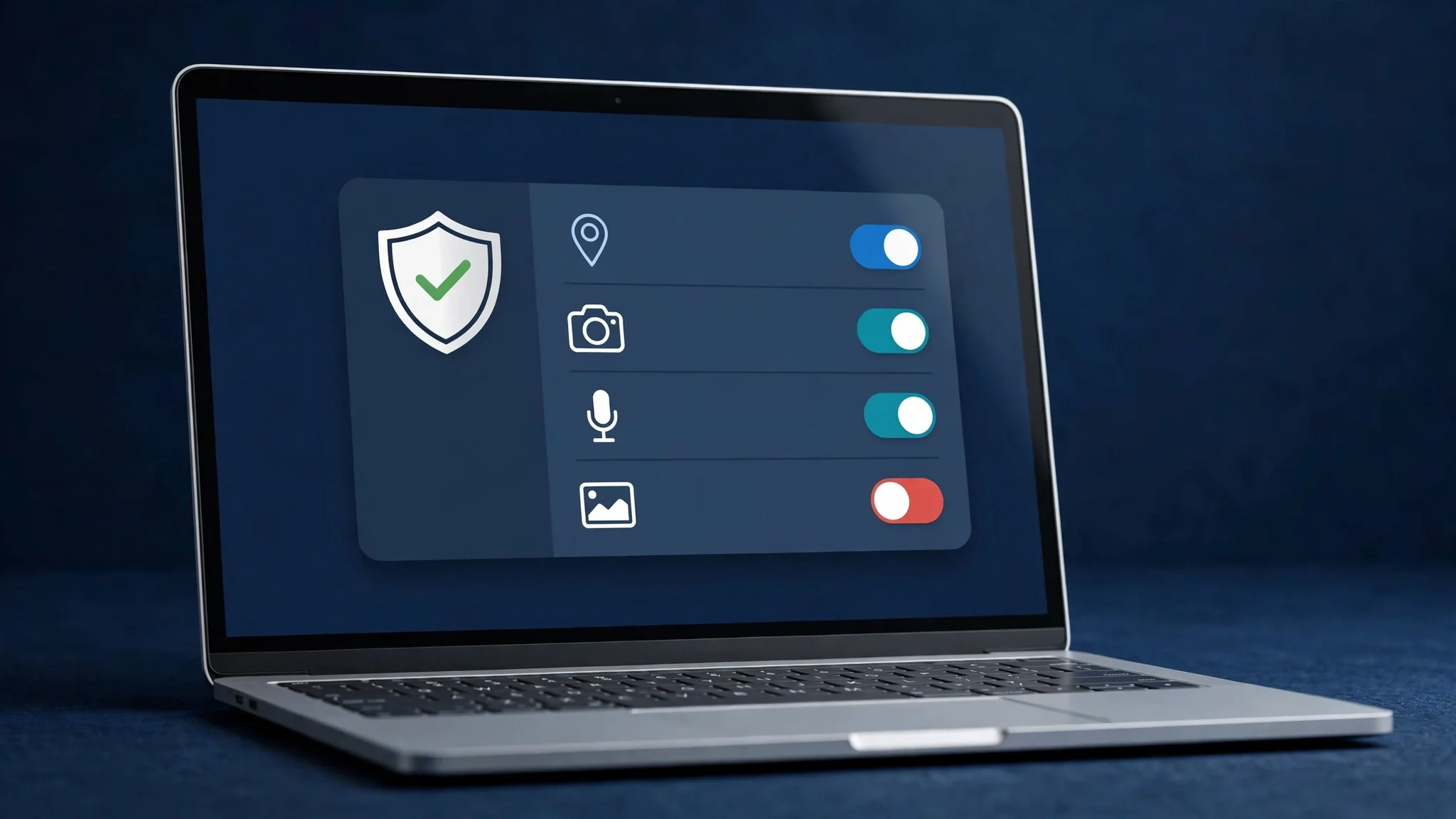
When an app offers a “Sign in with Google” button or requests access to your account, the process typically uses OAuth. This mechanism allows services to request specific permissions without needing to know your main account password. However, permissions you approve still need careful review.
What is the OAuth consent screen?
The OAuth consent screen is an approval interface that explains what data or account capabilities an application wants to access. Requests can be limited, such as viewing basic profile information, or more sensitive, like reading and managing files. Permission details depend on the account provider and the application.
How to evaluate permission requests
- Check the developer name and verify the domain matches the service you’re using.
- Read each permission, not just the app name. A simple note-taking app typically doesn’t need access to all your emails.
- Watch out for requests unrelated to the app’s core functionality.
- If unsure, cancel the process and look for explanations on the developer’s official site.
Audit connected applications
Open your account security settings from the service provider, then find the section for third-party apps or connections with access. Remove access for unrecognized, unused, or overly permissive connections. Menu names may vary, so use your account provider’s official help center.
Revoking permissions doesn’t always delete data previously copied by the app. If sensitive data was ever shared, check the service’s privacy policy and contact the developer if needed.
Best practices
Use apps from trusted developers, grant minimum permissions, and audit regularly. Enable multi-factor authentication for your main account. For additional security layers, read Nazuaf’s guides on digital habits for account security and logging in with passkeys.
Understand the difference between authentication and authorization
Signing in with an identity provider confirms an account identity, while authorization determines what a connected application may do with that account. OAuth consent is about granting access to specific resources or actions; it does not mean the third-party application receives the account password. The permissions can be limited, but a broad scope may still expose more information than the feature requires. Review the scope names and descriptions before approving.
Some providers also use OpenID Connect for identity information alongside OAuth for delegated access. A basic profile sign-in can be very different from permission to read files, send mail, or manage calendars. Do not assume every consent screen represents the same type of access. Check the provider’s description of each requested permission and whether the app needs ongoing access or only a one-time operation.
Inspect the publisher and the application context
Confirm the application name, publisher, website, and the account from which access is being requested. A familiar logo or display name is not enough to establish that the request is legitimate. Check that the domain matches the service you intended to use and that the installation began from a trusted source. Be cautious when a link arrives unexpectedly or asks you to authorize an application as part of a vague prize, support request, or urgent warning.
Consider whether the requested access matches the feature. A calendar scheduling tool may reasonably need calendar access, but a simple wallpaper application should not need to read documents. A service that asks to send messages may need a different scope from one that only displays message history. If the relationship is unclear, stop and review the vendor’s documentation or ask the organization’s administrator before approving.
Understand scope breadth and duration
Permissions may apply to a specific resource, a set of files, or all data of a certain type. Some scopes grant read-only access; others permit editing, deletion, or sending actions. Look for wording that indicates broad or offline access, because a long-lived token can allow the application to act when the user is not actively using it. The exact labels vary by provider, so use the provider’s official explanation instead of guessing from a shortened scope name.
Consent may persist after the browser window closes. Signing out of an application does not necessarily revoke the delegated permission. Likewise, removing an application from a phone may leave an account-level connection active. Treat device removal, session logout, and OAuth revocation as separate actions and verify each one where appropriate.
Review connected apps and respond to unexpected access
Periodically open the account’s security or connected-applications page and review entries that are no longer needed. Check the last-used information if the provider makes it available, the permissions granted, and whether the application belongs to a current workflow. Revoke connections that are unused, unknown, or broader than necessary. If a work account is involved, coordinate with the administrator so an essential integration is not disabled without a recovery plan.
If an unfamiliar application has access, revoke it and review recent account activity. Consider whether information may already have been copied or modified. Revoking a token prevents further authorized access through that connection, but it does not automatically delete data that the application previously stored. Contact the service provider when the data is sensitive or when the application may have acted unexpectedly.
Use least privilege for developers and organizations
Application developers should request the narrowest scopes needed for the feature and explain why each permission is necessary. Avoid asking for broad access during initial onboarding when a smaller permission can be requested only when the user activates a relevant feature. Separate test and production applications, protect client secrets, and follow the identity provider’s rules for redirect URIs and token storage.
Organizations should maintain an inventory of approved integrations, assign owners, and review scopes when an application changes. Use administrator controls or allowlists where available, and establish a process for removing access when a vendor contract or employee role ends. Users need a clear way to report a consent request that does not match an approved workflow.
Prepare a safe authorization checklist
- Verify the publisher, domain, and reason for the connection.
- Read every scope and distinguish read, write, and send capabilities.
- Check whether the access is ongoing or limited to a single operation.
- Review connected applications and revoke permissions no longer needed.
- Remember that revocation does not erase information already copied by a service.
OAuth makes it possible to connect applications without sharing a main password, but it does not remove the responsibility to review delegated access. Treat each consent screen as a security decision: verify who is asking, what they can access, and whether that access is proportionate to the feature you intend to use.
Conclusion
OAuth simplifies login and integration, but consent is not a formality. Understanding permissions, limiting access, and revoking unnecessary connections helps reduce exposure of your personal data.
Komentar (0)
Belum ada komentar. Jadilah yang pertama berkomentar.