
When building a modern web application, deciding where to store data can be just as important as choosing a programming language or framework. Many developers start by relying on local disks on virtual servers or the cloud provider’s built-in block storage services. However, as data volumes grow—from user uploads and database backups to large media assets—traditional approaches often reach their limits. This is where a solid understanding of object storage becomes essential for anyone managing web infrastructure.
What Is Object Storage?
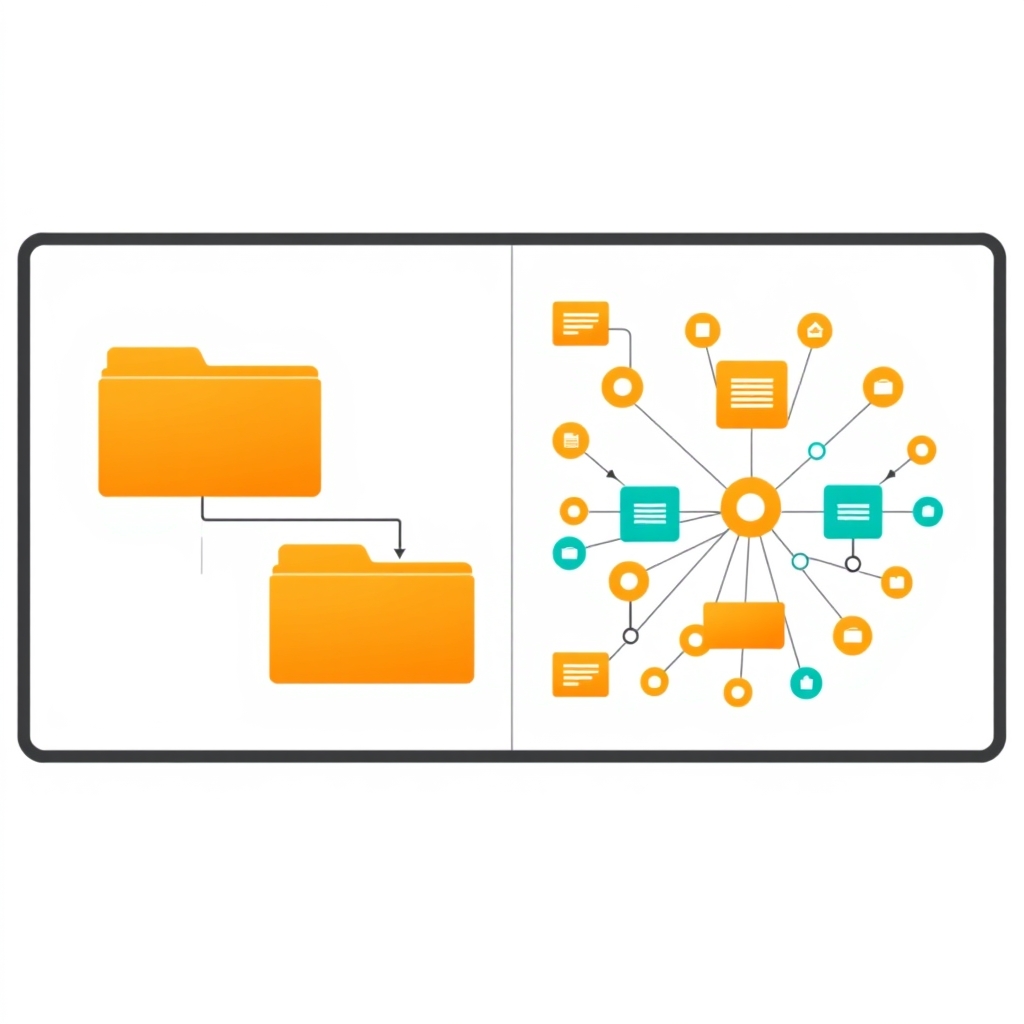
Unlike conventional storage systems that organize data in a layered directory tree, object storage uses a flat architecture known as a flat namespace. Each unit of data is stored as an “object” consisting of three main components: the raw data itself, freely customizable metadata, and a globally unique identifier (usually a long alphanumeric string). These objects are grouped into a top-level container commonly called a bucket.
Because there is no actual folder hierarchy, the system does not need to traverse a long chain of directories to locate a file. It only needs to look up the object’s unique identifier. This approach keeps data retrieval efficient even when the number of objects reaches billions. Services such as Amazon S3, Google Cloud Storage, and Azure Blob Storage are popular implementations of this model and are widely used by technology companies around the world.
Key Differences Between Block and File Storage
To understand why object storage is designed for particular workloads, it helps to compare it with two other common storage paradigms in cloud environments.
Block Storage
Block storage divides data into fixed-size blocks and manages them through the operating system much like a physical hard drive. This type of storage is well suited to relational databases and virtual machine operating systems because it offers low latency and supports random I/O. However, its scalability is often tied to an individual server instance, and attaching the same storage directly to multiple servers requires more complex cluster configurations.
File Storage
File storage is the model most familiar to everyday computer users. It uses protocols such as NFS or SMB to share files over a network. This model works well for office document collaboration, but performance can decline significantly when it has to manage millions of small files because of the overhead involved in traversing increasingly large directory structures.
By contrast, object storage is not designed for partial updates. If you want to change a single line of text inside an object, you generally need to upload the entire object again. In return, it offers virtually unlimited horizontal scalability and direct access through standard HTTP APIs, making it a strong choice for data that changes infrequently but is read often.
When Does a Web Application Need Object Storage?
Not every project needs object storage. If you run a simple blog with only a few static images, a local disk may be sufficient. However, there are several scenarios in which moving to an object-based architecture becomes increasingly important:
- User Media Asset Storage: When an application allows thousands of users to upload profile photos, videos, or PDF documents simultaneously, storing everything on the application server’s disk can quickly exhaust capacity and make horizontal scaling more difficult.
- Global Content Distribution: Objects stored in an object storage service can be integrated easily with a CDN. Public object URLs can be cached at edge locations around the world without placing additional load on the origin server.
- Data Backups and Archives: For server logs, database dumps, or historical archives that are rarely accessed, archival storage classes offered by object storage services can provide a much lower cost per gigabyte than standard SSD storage.
- Serverless Applications: Short-lived compute functions running in serverless environments do not have persistent local disks. They therefore rely on object storage APIs to read input data and write processing results.
Making Use of Custom Metadata
One of the biggest advantages of object storage that is often overlooked is its metadata flexibility. In traditional file systems, metadata is generally limited to basic information such as creation date, file size, and access permissions. In an object-based system, you can attach almost any key-value pair to each file.
For example, when a user uploads a photo to an e-commerce platform, you can add metadata such as x-product-id: 8921, x-color: red, or x-uploader-tier: premium. This metadata is useful for managing lifecycle policies. You can configure rules that automatically move objects with specific tags to a lower-cost storage class after 30 days, or permanently delete them when their retention period expires, without having to write manual cleanup scripts.
API Interaction and Basic Security Practices
All operations in object storage are performed through RESTful APIs using standard HTTP methods such as PUT to upload, GET to download, and DELETE to remove objects. This makes the service easy to integrate into application code through official SDK libraries or command-line tools.
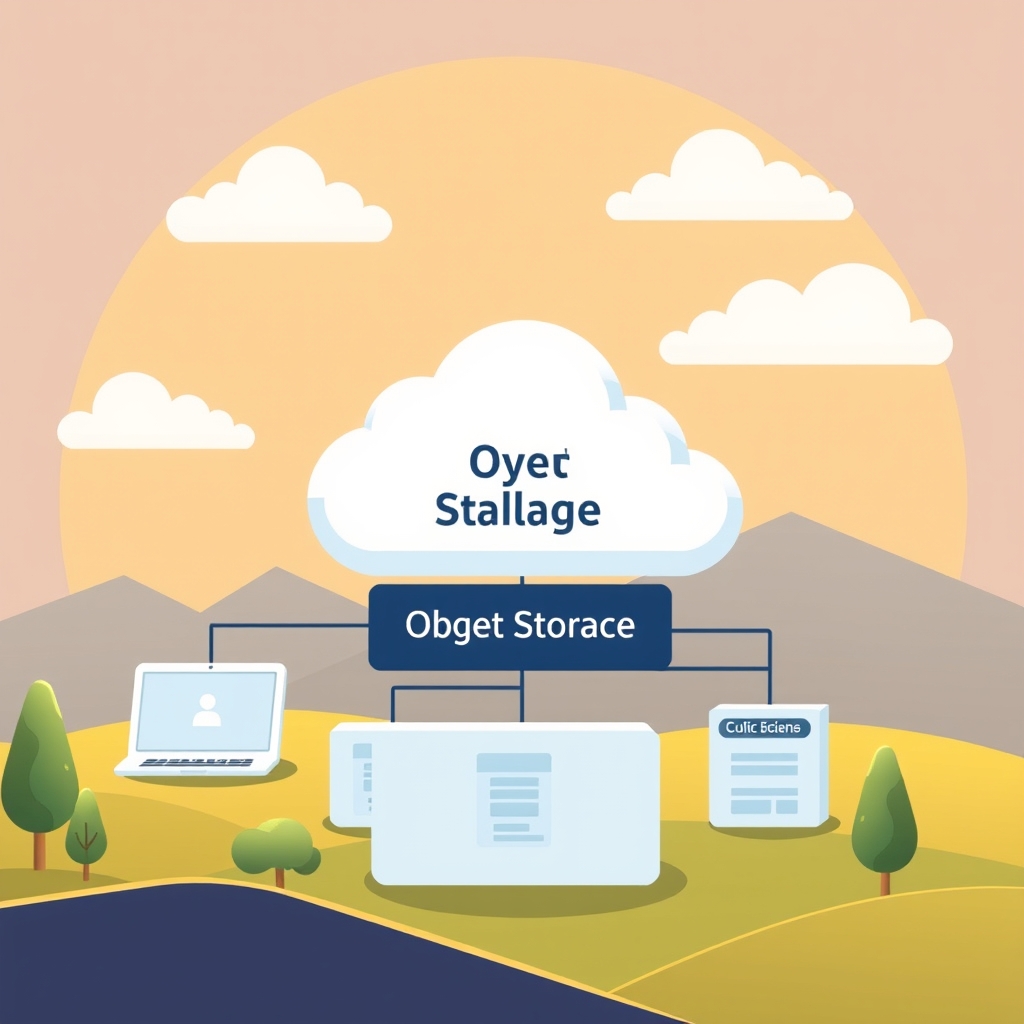
Here is a simple example of using the AWS CLI to upload a file to a bucket:
aws s3 cp monthly-report.pdf s3://company-data-bucket/reports/ --metadata "department=finance,type=report"From a security perspective, the principle of least privilege should always be applied. Never embed full-access credentials in a web application’s source code. Use IAM (Identity and Access Management) roles to grant only the specific permissions required for the buckets and key prefixes that the application needs. You should also enable server-side encryption to help protect data at rest within the cloud provider’s infrastructure.
Conclusion
Choosing the right storage infrastructure is a foundation for building resilient, scalable web applications. Object storage is more than a place to put files; it is a distributed data service designed for the cloud era. By understanding how it differs from block and file storage, and by making use of its metadata capabilities and HTTP APIs, development teams can design architectures that are more efficient, secure, and ready to handle traffic growth without unnecessary bottlenecks.
Komentar (0)
Belum ada komentar. Jadilah yang pertama berkomentar.