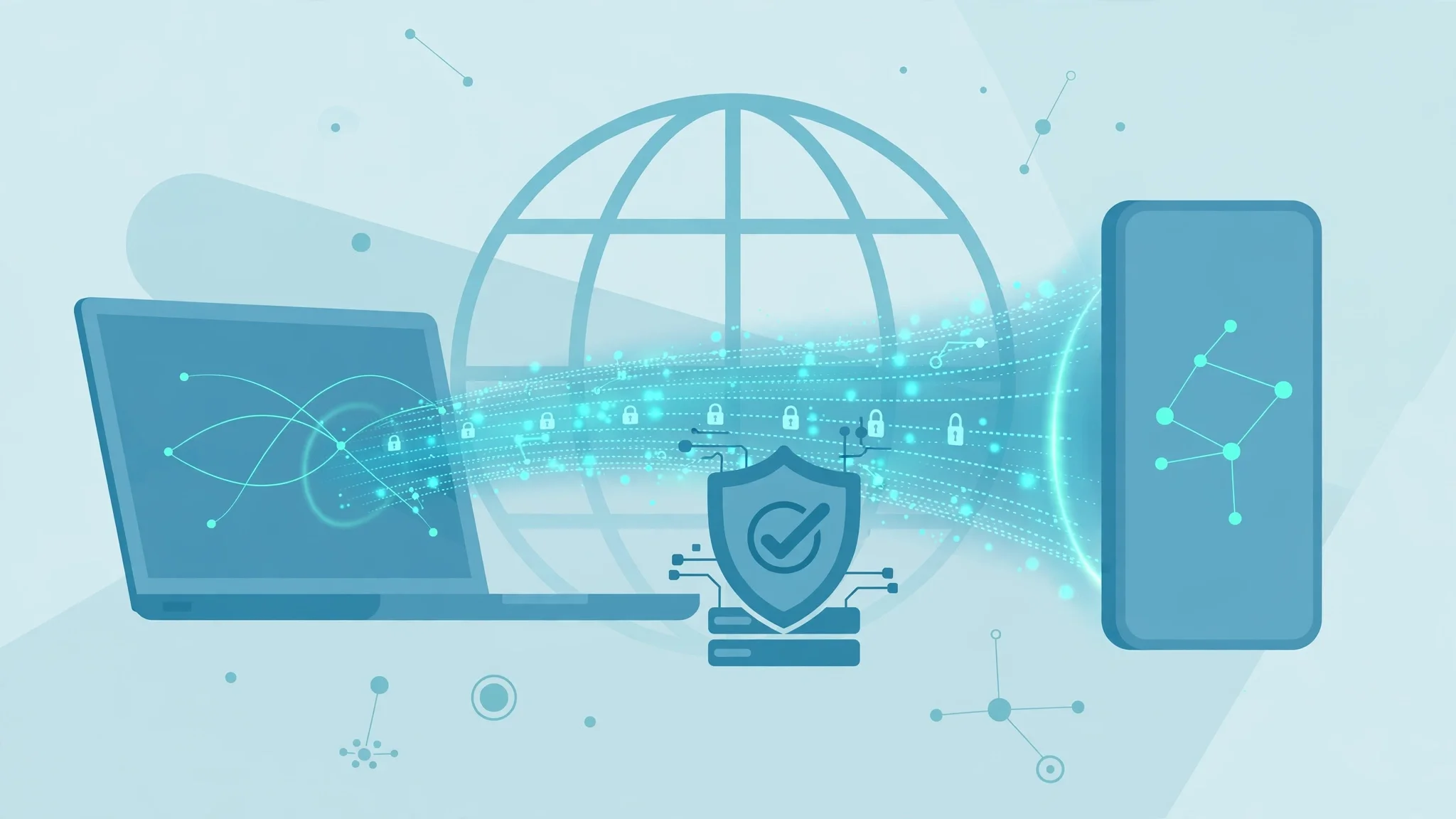
A Virtual Private Network (VPN) routes network traffic through a VPN server over the internet. Depending on its protocol and configuration, it can encrypt traffic between your device and the VPN server, help protect your data on untrusted networks, and provide remote access to private networks.
1. What Is a VPN?
VPN stands for Virtual Private Network. Simply put, a VPN creates a communication path between the user’s device and a VPN server over the internet.
When using a VPN, the device’s connection is first routed to the VPN server before being forwarded to the internet or the destination network.
Device → VPN Tunnel → VPN Server → Internet
VPN technology is used for various needs, ranging from security when using public Wi‑Fi to remote access to corporate networks.
2. How Does a VPN Work?
When a VPN is activated, the device typically establishes a connection to a VPN server. Traffic passing through the VPN tunnel can be protected using encryption mechanisms according to the protocol in use.
Smartphone, computer, tablet, or other devices
Connection between the device and the VPN server
Forwarding the connection to the internet destination
Website or service you want to access
From a networking perspective, a VPN can alter the traffic path so that the connection does not go directly from the user’s device to the destination.
3. What Is a VPN Tunnel?
A VPN tunnel is a logical communication path that carries network traffic between a device and a VPN endpoint.
The term “tunnel” does not imply a dedicated physical cable between the device and the VPN server. The tunnel is created using network protocols and specific encapsulation mechanisms.
Device
    │
    │  Data
    ▼
┌──────────────────────┐
│     VPN Tunnel       │
│  Encryption / Protocol │
└──────────────────────┘
    │
    ▼
VPN Server
    │
    ▼
Internet
4. VPN and Encryption
One important characteristic of many VPNs is the use of encryption. Encryption makes data sent over a VPN connection difficult to read by parties lacking the capability or keys required to decrypt it.
However, it is important to understand that a VPN does not automatically make all internet data secure. Security still depends on the protocol, configuration, application, VPN server, and the service used.
A VPN can protect certain parts of the data journey, but it is not a replacement for antivirus, account security, HTTPS, or other digital security practices.
5. VPN Protocols
VPNs can use various protocols to establish and secure connections. Some commonly encountered protocols include:
| Protocol | Characteristics |
|---|---|
| WireGuard | Modern VPN protocol with a simple design and high performance. |
| OpenVPN | An established VPN protocol with broad platform support and a long track record. |
| IKEv2/IPsec | Often used on mobile devices and supports network switching well. |
| IPsec | A suite of protocols to secure communication at the IP layer. |
6. Types of VPN
Remote Access VPN
Remote access VPN allows a user’s device to connect to a specific network over the internet. This technology is widely used for accessing corporate networks from different locations.
Site-to-Site VPN
Site‑to‑site VPN is used to securely connect two or more networks over a public network.
Personal VPN
Individuals commonly use a personal VPN to route their internet traffic through a VPN server, adding a layer of privacy to their online connections.
7. Benefits of VPN
VPNs offer several benefits, depending on how they are configured and which service is used.
- Protect traffic on a specific network when using a network that is not fully trusted.
- Hide the device’s public IP address from websites accessed directly, because the connection may appear to originate from the VPN server.
- Connect to an internal network from a different location.
- Secure remote connections for work or network administration needs.
- Provide an additional privacy layer against the local network or ISP for certain types of information, depending on configuration.
8. VPN Limitations
Although VPNs have many benefits, the technology is not a solution for all internet security and privacy issues.
- A VPN does not make the user completely anonymous.
- A VPN does not protect the device from all types of malware.
- A VPN does not automatically make visited websites secure.
- Connection speed may decrease due to tunneling, encryption, routing, and distance to the VPN server.
- VPN providers may have different logging and privacy policies.
A VPN can change the connection path and provide certain protection, but user activity can still leave traces through accounts, browsers, cookies, applications, and various other mechanisms.
9. VPN and DNS
VPN and DNS are two different technologies, but they often work together.
| Technology | Primary Function |
|---|---|
| DNS | Helps translate domain names into network information. |
| VPN | Creates a connection through a tunnel between the device and a VPN endpoint. |
Many VPN applications route DNS requests through the VPN tunnel so that DNS resolution does not exit via a different path. However, each VPN service’s implementation may vary.
10. Free VPN vs Paid VPN
Not all free VPNs have the same quality or privacy model. Because VPNs can handle sensitive internet traffic, choosing a provider carelessly can pose risks.
Free VPN
- Usually have limited server options.
- May have bandwidth limits.
- Certain features may be restricted.
- Privacy policies need to be examined carefully.
Paid VPN
- Usually provide more server locations.
- Bandwidth and performance are generally better.
- More protocol choices and features.
- May have more transparent privacy policies.
11. How to Choose a Good VPN
Before using a VPN service, consider the following factors:
- Privacy policy: check information about data collection and storage.
- Protocols: choose a service that supports modern, secure VPN protocols.
- Performance: pay attention to latency, speed, and connection stability.
- Server locations: choose locations that suit your needs.
- Kill switch: a feature that can help prevent traffic from exiting directly when the VPN connection drops, if supported and properly configured.
- Provider reputation: check transparency, security policies, and the provider’s track record.
12. FAQ: Common Questions About VPN
Does a VPN make the internet faster?
Generally, no. A VPN can even add latency or reduce speed because traffic must pass through a VPN server and the tunneling process. However, in certain conditions, the result may differ depending on the network and routing.
Does a VPN hide the IP address?
When internet traffic is routed through a VPN server, the destination website typically sees the VPN server’s public IP address, not the user’s original public IP address.
Does a VPN make the user anonymous?
Not entirely. A VPN can enhance network privacy, but online activity can still be linked through accounts, cookies, fingerprinting, applications, and various other mechanisms.
Is a VPN the same as a proxy?
Not exactly. VPNs generally operate at a broader network layer. A VPN can route various types of traffic through a tunnel, whereas a proxy typically forwards traffic for specific applications or protocols.
Is a VPN necessary when using HTTPS?
HTTPS and VPN serve different functions. HTTPS protects communication between a browser and a specific website, whereas a VPN can protect the connection between the device and the VPN server. Both can be used together.
Can a VPN be used on a smartphone?
Yes. Modern operating systems like Android and iOS support VPN connections, both via built‑in configuration and VPN apps from service providers.
13. Conclusion
VPN (Virtual Private Network) is a technology that enables devices to create connections through another network using tunneling mechanisms and, in many implementations, encryption.
VPN can be useful for enhancing connection privacy, securing communications on specific networks, accessing networks remotely, and linking different network locations.
However, a VPN is not a perfect security solution. The choice of provider, protocol, configuration, privacy policy, and user habits still heavily determine the level of security and privacy achieved.
A VPN creates a network connection through a tunnel and can add a layer of privacy and protection. Treat it as one part of a broader digital security strategy, not as your only line of defense.
Komentar (0)
Belum ada komentar. Jadilah yang pertama berkomentar.